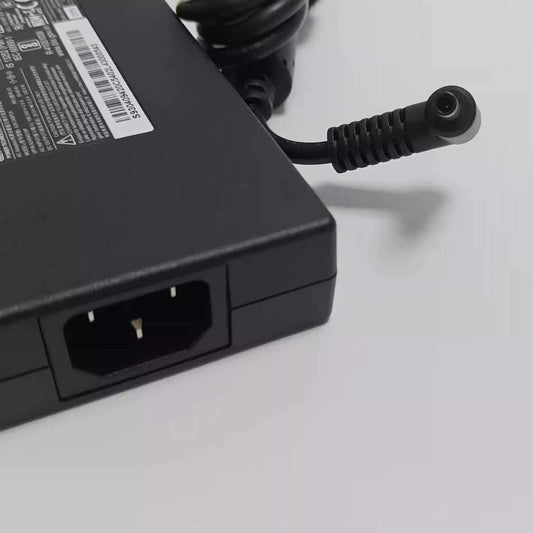
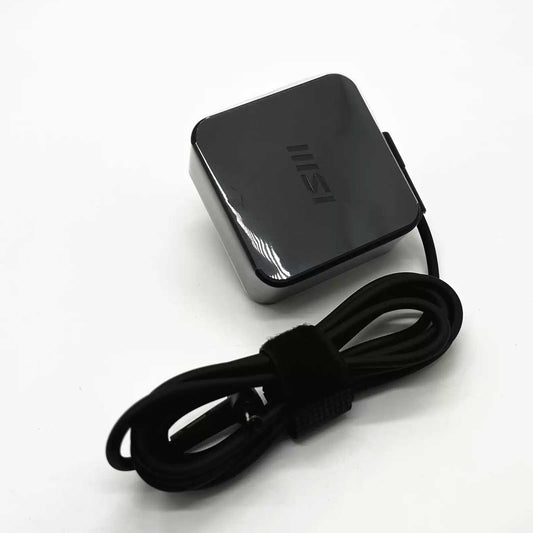
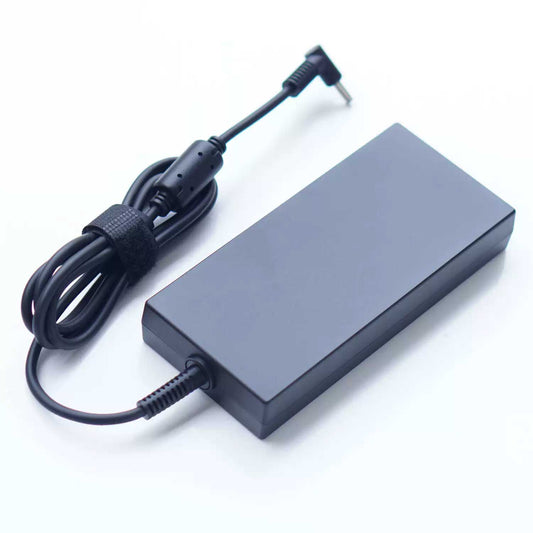
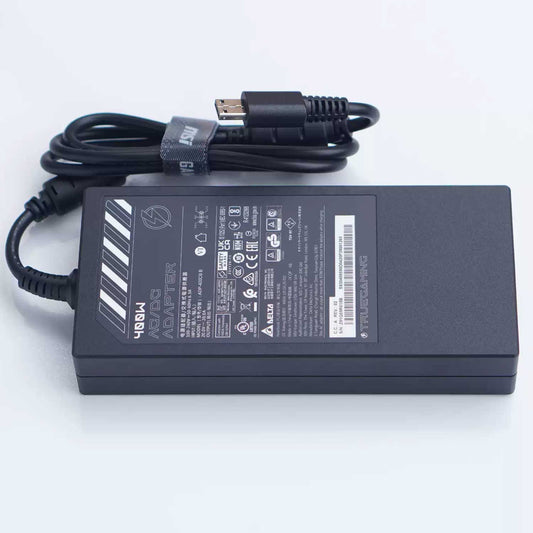
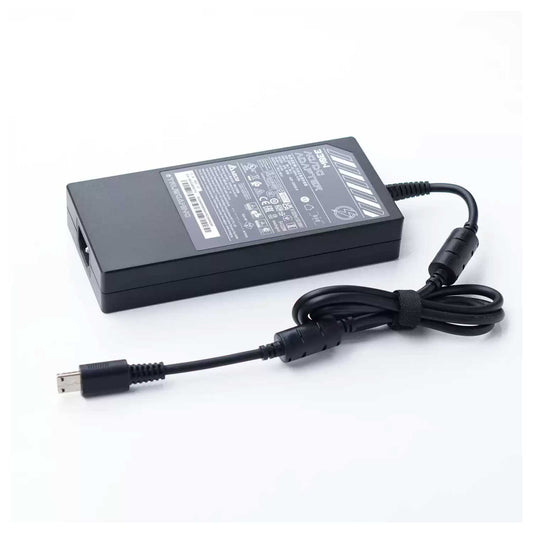
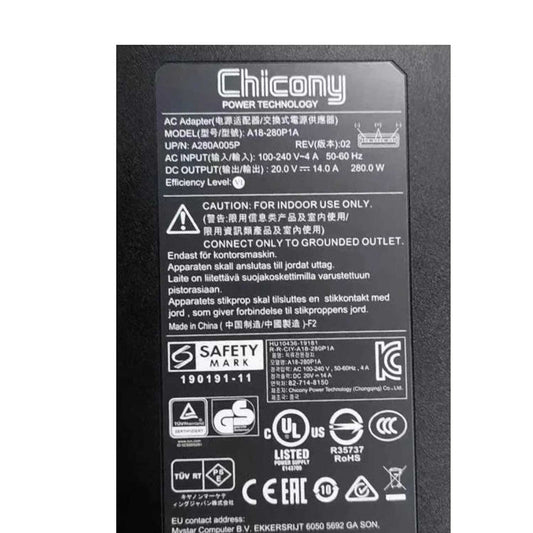
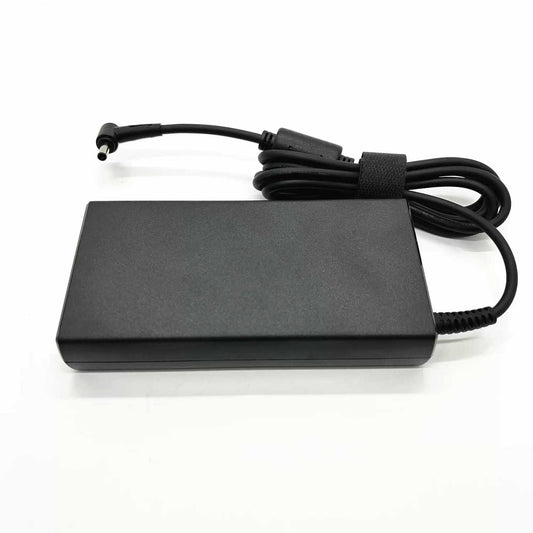
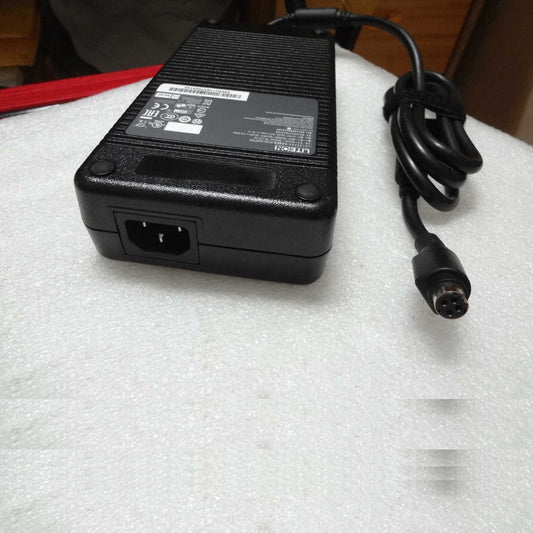
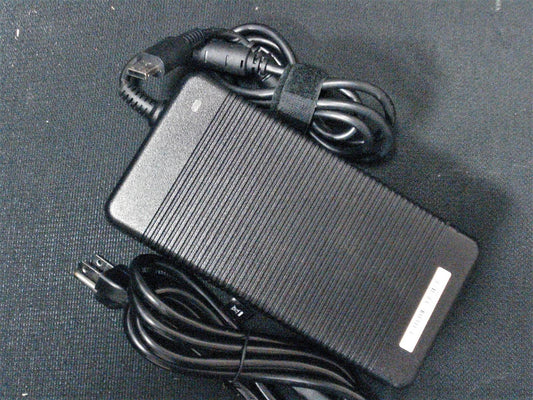
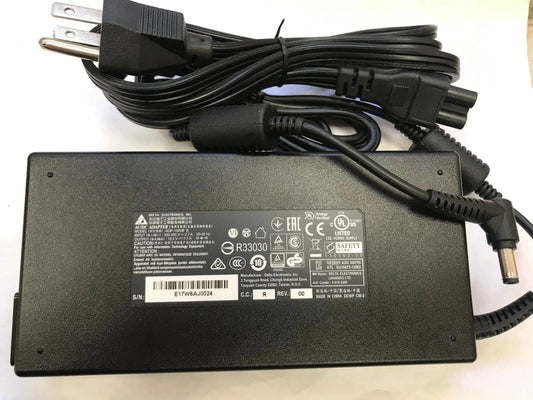
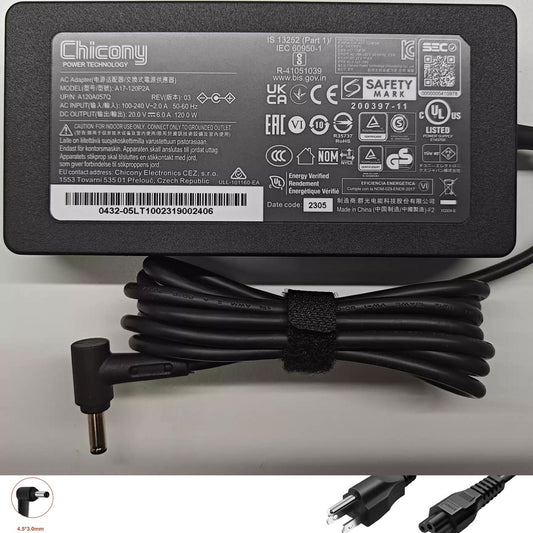
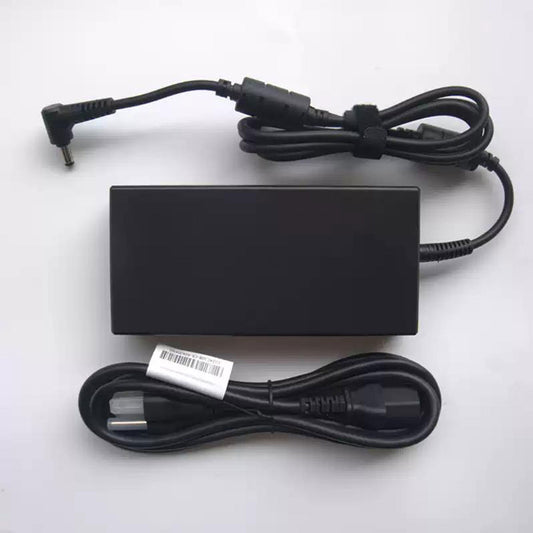
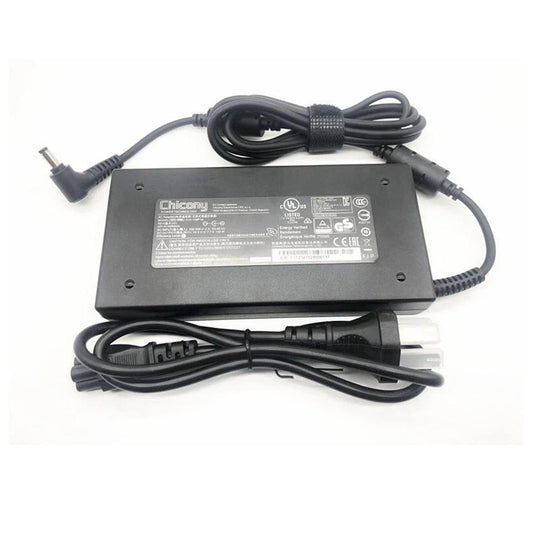
You can find replacement MSI laptop power adapters and chargers by using the laptop model, the adapter's model number, the output voltage, the current, the wattage, and the connector type. This range includes AC adapters and replacement chargers for MSI gaming laptops, creator laptops, business notebooks, and other compatible MSI portable computers.
MSI Laptop Charger Replacement
The power adapters used with MSI laptops vary according to the laptop series, the processor and GPU setup, the charging needs, and the power consumption. When replacing the charger, it is necessary to ensure that the new one matches the required output voltage, current, wattage, connector size, and the specific MSI laptop model.
Common MSI laptop charger specifications include:
- 19.5V AC Adapter
- 20V AC Adapter
- 120W Laptop Charger
- 150W Laptop Charger
- 180W Laptop Charger
- 200W Laptop Charger
- 230W Laptop Charger
- 240W Laptop Charger
- 280W Laptop Charger
- 330W Laptop Charger
Always compare the specifications printed on the original MSI adapter before purchasing a replacement.
MSI Gaming Laptop Chargers
MSI gaming laptops often require higher-wattage AC adapters because of their dedicated graphics cards and high-performance processors.
Replacement MSI gaming laptop chargers are available for selected:
- MSI Raider Series
- MSI Vector Series
- MSI Stealth Series
- MSI Titan Series
- MSI Katana Series
- MSI Sword Series
- MSI Cyborg Series
- MSI Pulse Series
- MSI Creator Series
The required wattage varies by model and hardware configuration. A 330W MSI adapter, for example, should only be used when the laptop's specifications require a compatible 330W power supply.
MSI AC Adapter by Wattage
Choosing the correct wattage is an important part of replacing an MSI laptop charger.
Common MSI adapter power ratings include:
MSI 120W Charger
120W MSI adapters are used with selected lower-power MSI laptops and notebooks. Verify the original adapter's voltage, current, and connector before replacement.
MSI 180W Charger
180W adapters are used with selected MSI gaming and performance laptops. The correct replacement should match the laptop's required output specifications.
MSI 200W Charger
200W MSI AC adapters are designed for selected MSI laptops that require higher power input.
MSI 230W / 240W Charger
230W and 240W MSI adapters are commonly associated with higher-performance laptop configurations. Check the exact MSI model before selecting a replacement.
MSI 280W Charger
280W MSI laptop chargers are designed for selected high-performance MSI systems. The output voltage and connector must match the original adapter.
MSI 330W Charger
330W MSI adapters are used with selected high-performance gaming laptops. Common specifications may include 19.5V or 20V output depending on the adapter model.
For example, an MSI 330W adapter rated at 20V 16.5A provides 330W of output power.
Popular MSI Charger Model Numbers
Common MSI adapter searches include:
- MSI ADP-120RH B Charger
- MSI ADP-150VB B Charger
- MSI ADP-180MB K Charger
- MSI ADP-200JB D Charger
- MSI ADP-230GB B Charger
- MSI ADP-240EB T Charger
- MSI ADP-280BB B Charger
- MSI ADP-330GB D Charger
MSI adapter model numbers should always be matched with the laptop's required voltage, current, wattage, and connector.
How to Choose the Correct MSI Laptop Charger
Check the following specifications before purchasing:
-
Laptop Model – Identify the complete MSI laptop model.
-
Adapter Model Number – Compare the model number printed on the original charger.
-
Output Voltage – Match the required DC output voltage.
-
Output Current – The replacement should provide the required current.
-
Wattage – Confirm the required power rating in watts.
-
Connector Size – Match the DC plug dimensions and polarity.
-
AC Input – Most MSI laptop adapters support a wide AC input range, but verify the adapter label.
-
Connector Type – Confirm whether your MSI laptop uses a barrel connector or USB-C charging.
The safest method is to match:
MSI Laptop Model + Original Adapter Model + Voltage + Current + Wattage + Connector
MSI Charger Compatibility
MSI laptop chargers are model-specific. Two MSI adapters may have similar wattage but different voltage, current, connector dimensions, or electrical specifications.
For example, an MSI 330W adapter should not be selected solely because the laptop is a gaming model. The exact MSI laptop model and original charger specifications should be checked first.
A replacement adapter should meet the laptop's required electrical specifications and use the correct connector.
MSI USB-C Laptop Chargers
Some MSI laptops support USB-C charging, while high-performance gaming laptops may require a dedicated high-wattage AC adapter.
If your MSI laptop supports USB-C Power Delivery, check:
- USB-C charging support
- Required PD wattage
- Supported voltage profiles
- Cable requirements
- Charger compatibility
Do not assume that every MSI laptop can be charged through USB-C.
When Should You Replace an MSI Laptop Charger?
An MSI charger may need replacement when:
- The laptop does not charge.
- The adapter intermittently loses power.
- The charging connector becomes loose.
- The power adapter becomes damaged.
- The charger shuts down under load.
- The laptop reports that the AC adapter is not recognized.
- The cable or connector shows visible damage.
If the adapter or cable is physically damaged, stop using it and replace it with a compatible charger.
Find Your MSI Replacement Charger
Browse MSI laptop power adapters and chargers by laptop model, adapter model number, voltage, wattage, current, and connector type.
If you are unsure which MSI charger you need, check the label on your original adapter. Look for information such as:
Model → Output Voltage → Output Current → Wattage
Then compare these specifications with the replacement adapter listing.
Frequently Asked Questions
How do I know which charger my MSI laptop needs?
Check your MSI laptop model and the specifications printed on the original AC adapter. Match the voltage, current, wattage, connector, and adapter model whenever possible.
Can I use a higher-wattage charger with my MSI laptop?
Do not choose a higher-wattage adapter solely because it provides more power. The replacement must meet MSI's required voltage, connector, and compatibility specifications.
What voltage does an MSI laptop charger use?
MSI laptop chargers use different output voltages depending on the model and adapter. Common specifications include 19.5V and 20V, so the exact laptop and adapter model should be checked.
What is the difference between an MSI 230W and 330W charger?
The main difference is maximum power output. A 330W adapter can provide more power than a 230W adapter, but the correct wattage depends on the MSI laptop's power requirements.
Can I use an MSI gaming laptop charger on another MSI laptop?
Only if the charger is electrically and physically compatible with the other MSI laptop. Match the voltage, current, wattage, connector, and model compatibility before use.
How do I find my MSI charger model number?
Look at the label on the AC adapter. Model numbers often begin with identifiers such as ADP and are followed by a series of letters and numbers.
Can I charge an MSI gaming laptop with USB-C?
Only MSI models that support USB-C charging can be charged through USB-C. High-performance MSI gaming laptops may require their dedicated AC adapter.
How do I know if my MSI power adapter is failing?
Intermittent charging, power loss, overheating, damaged cables, loose connectors, or an adapter that is no longer recognized by the laptop can indicate a charger problem.